
Summarize this article with AI
Artificial intelligence tools are evolving at an incredible pace, and one of the latest platforms gaining attention is Google Flow. Designed to streamline how developers, businesses, and creators interact with AI, Google Flow is more than just another tool—it’s a complete ecosystem for building, deploying, and scaling AI-powered workflows.
In this in-depth guide, we’ll break down everything you need to know about Google Flow, including its features, pricing structure, credit system, and real-world use cases—so you can decide whether it’s the right platform for you.
Table of Contents
What Is Google Flow?
Google Flow is an AI-powered platform developed by Google that enables users to create automated workflows powered by large language models and multimodal AI systems.
Think of it as a combination of:
- Workflow automation tools (like Zapier)
- AI model orchestration platforms
- Developer-friendly APIs and interfaces
The goal of Google Flow is simple:
Make it easier to build intelligent, automated systems without complex infrastructure.
Whether you’re building chatbots, automating content, or integrating AI into your apps, Flow acts as a central control layer.
Key Features of Google Flow
1. AI Workflow Builder
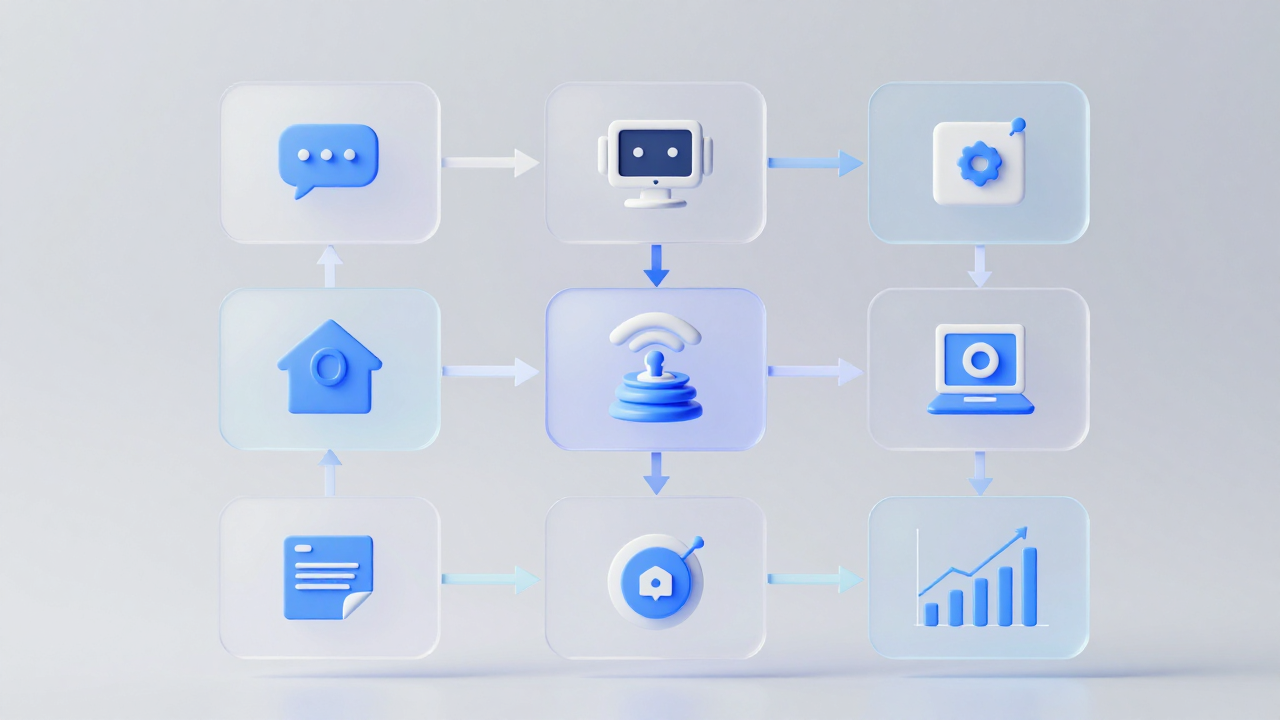
At the heart of Google Flow is a visual workflow builder that lets you design AI pipelines step-by-step.
You can:
- Chain multiple AI tasks together
- Add conditional logic
- Integrate APIs and external tools
This makes it ideal for:
- Non-technical users (low-code/no-code)
- Developers building advanced automation
2. Multimodal AI Capabilities
Google Flow supports advanced AI models capable of handling:
- Text
- Images
- Audio
- Video (in some workflows)
This allows you to build applications like:
- Image analysis tools
- AI video summarizers
- Voice assistants
3. Integration with Google Ecosystem
Flow integrates deeply with Google services such as:
- Google Drive
- Google Cloud
- Google Workspace
This enables seamless workflows like:
- Reading documents → summarizing → sending via Gmail
- Processing Sheets data → generating insights
4. API & Developer Support
For developers, Google Flow offers:
- REST APIs
- SDKs
- Custom model integration
This means you’re not locked into one system—you can:
- Bring your own models
- Combine multiple AI providers
- Customize outputs
5. Real-Time Execution & Automation
Workflows can run:
- On-demand
- On schedule
- Triggered by events
This makes Flow powerful for:
- Real-time automation
- Backend AI processes
- Continuous data processing
Understanding Google Flow Pricing
One of the most important aspects of Google Flow is its credit-based pricing system.
Instead of paying a fixed fee per feature, you pay based on usage.
How Credits Work
Credits act as the currency inside Google Flow.
You spend credits when:
- Running AI models
- Processing data
- Executing workflows
The number of credits used depends on:
- Model size
- Task complexity
- Input/output size
Example:
- Simple text generation → Low credits
- Video analysis → High credits
Pricing Tiers (Typical Structure)
While exact pricing may vary, Google Flow generally follows a tiered model:
1. Free Tier
- Limited credits per month
- Access to basic features
- Ideal for testing and learning
2. Starter / Pro Tier
- More credits
- Access to advanced models
- Faster processing
3. Enterprise Tier
- Custom pricing
- High credit limits
- Dedicated support
- SLA guarantees
Key Pricing Insights
- Pay-as-you-go flexibility → You only pay for what you use
- Scalable costs → Suitable for both small and large projects
- Transparent usage tracking → Monitor credit consumption in real time
Google Flow Credits Explained
Understanding credits is crucial to using Flow efficiently.
What Affects Credit Usage?
- Model Type
- Larger models consume more credits
- Multimodal models cost more than text-only
- Input Size
- Longer prompts = higher cost
- Output Length
- More generated content = more credits
- Workflow Complexity
- Multi-step pipelines multiply usage
Optimization Tips
To save credits:
- Use smaller models when possible
- Limit output length
- Optimize workflows (avoid unnecessary steps)
- Cache repeated results
Real-World Use Cases of Google Flow
Google Flow isn’t just theoretical—it’s already being used across industries.
1. Content Creation & Marketing
Businesses use Flow to:
- Generate blog posts
- Create social media content
- Automate email campaigns
Example workflow:
Input topic → AI generates article → Auto-publish to CMS
2. Customer Support Automation
Flow can power:
- AI chatbots
- Ticket classification systems
- Automated responses
Benefits:
- Reduced support costs
- Faster response times
3. Data Analysis & Insights
Companies use Flow to:
- Analyze spreadsheets
- Generate reports
- Extract insights from large datasets
Example:
Upload CSV → AI analyzes → Generates summary report
4. AI-Powered Apps
Developers use Flow to build:
- SaaS tools
- AI assistants
- Productivity apps
Because of its API support, Flow can act as:
The backend intelligence layer
5. Media & Multimodal Processing
Flow enables:
- Image tagging
- Video summarization
- Audio transcription
This is especially useful for:
- Content platforms
- Media companies
- Creators
Google Flow vs Other Tools
Here’s how Google Flow compares to similar platforms:
| Feature | Google Flow | Traditional Automation Tools |
|---|---|---|
| AI Integration | Native | Limited |
| Multimodal Support | Yes | Rare |
| Pricing Model | Credit-based | Subscription |
| Customization | High | Moderate |
| Scalability | Enterprise-ready | Varies |
Compared to tools like Zapier, Flow is:
More AI-focused and developer-friendly
Pros and Cons
Pros
- Powerful AI integration
- Flexible credit-based pricing
- Supports multimodal workflows
- Scales from individuals to enterprises
- Strong Google ecosystem integration
Cons
- Credit system can be confusing at first
- Costs can increase quickly with heavy usage
- Requires optimization for efficiency
- Learning curve for advanced workflows
Is Google Flow Worth It?
The answer depends on your needs.
It’s worth it if you:
- Want to build AI-powered workflows
- Need scalable automation
- Work with large datasets or content
It may not be ideal if you:
- Only need simple automation
- Have a very tight budget
- Prefer fixed pricing models
Future of Google Flow
Google Flow represents a broader shift in AI:
1. AI as Infrastructure
AI is becoming a core layer in software, not just an add-on.
2. Workflow Automation + AI Merge
The line between:
- Automation tools
- AI platforms
…is disappearing.
3. Rise of Credit-Based Systems
More platforms are adopting:
Usage-based pricing instead of flat subscriptions
Final Thoughts
Google Flow is shaping up to be one of the most powerful AI workflow platforms available today.
By combining:
- Workflow automation
- Multimodal AI
- Flexible pricing
- Developer-friendly tools
…it offers a complete solution for building intelligent systems.
However, its true power lies in how you use it. Understanding:
- Credits
- Workflow design
- Optimization
…is key to unlocking its full potential.
Related Articles
- Top 10 Business Software and Services Review Platforms
- RSSB Lab Assistant Answer Key 2026 Out, Download Science & Geography Official Key PDF
- Things to Do in Maui: Best Activities and Travel Tips
- Top 10 Event Registration Platforms in 2026
- How Technology Is Transforming Dimethyl Sulfoxide Production in India
